Guides
Everything around the one question this app answers — can my Mac be a monitor? — written for the specific machine you have, with the prices and shops of your market.
 Start hereThe complete setup guideStep by step from the download to the arranged display: the app on both Macs, the two permissions, the cable and Connect. About five minutes.Open the setup guide →
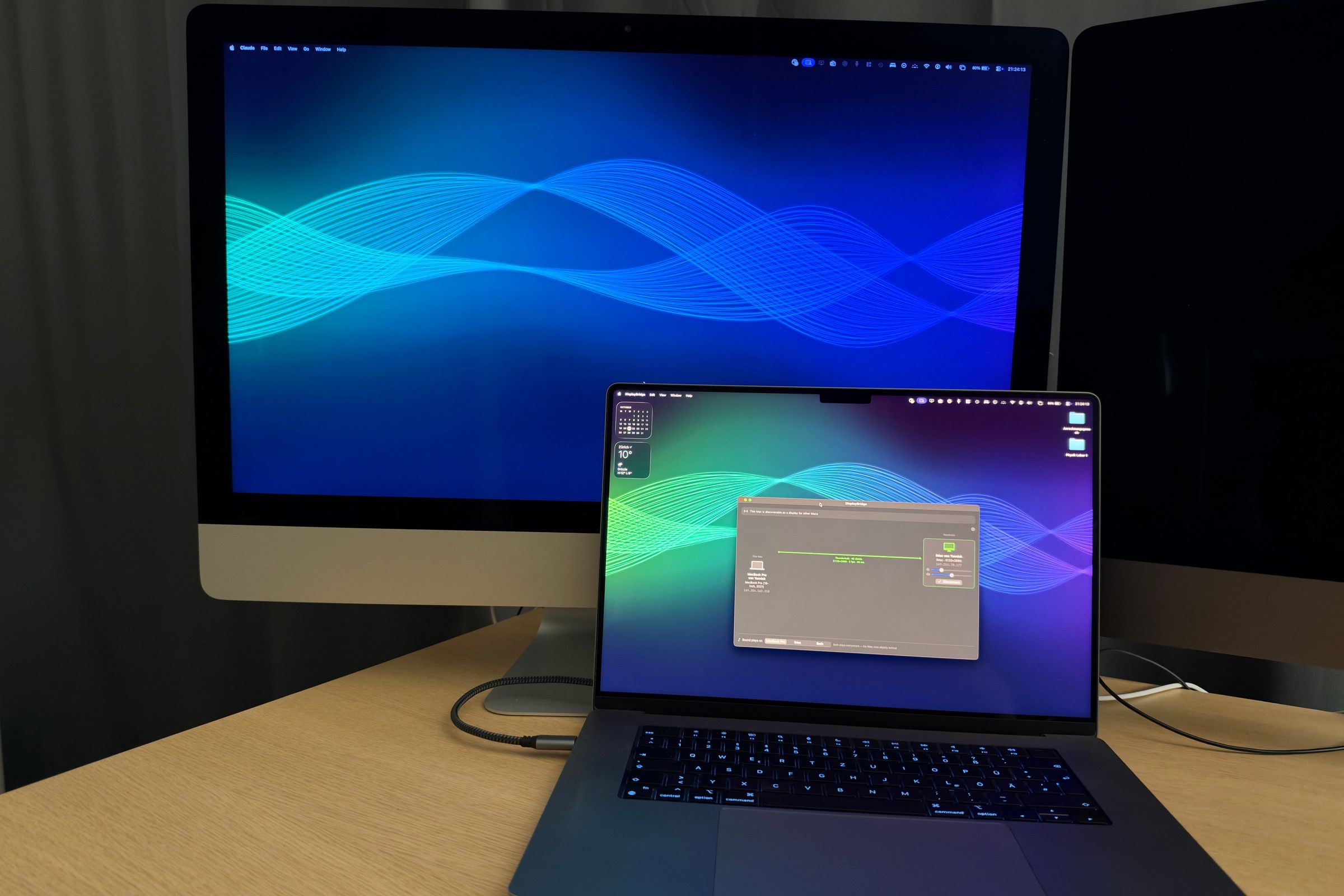
How to use your iMac as a monitorYes, you can: one cable and an app make a 2017–2020 iMac a 5K monitor for your MacBook, no Target Display Mode needed. Step by step.
Use your iMac as a monitor for a Mac miniYes: one app and one Thunderbolt cable make a 5K iMac the monitor for a Mac mini, as a second screen or its only one. Setup, every start, and the limits.
Use an old iMac as a monitor: what works for your modelIt depends on the year: a 2017–2020 iMac or iMac Pro needs one cable and an app, a 2014 or 2015 a conversion kit. Model by model.
The cheapest 5K monitor for a Mac: a used iMacA used 27-inch 5K iMac plus DisplayBridge costs about $320, roughly 40% less than the cheapest new 5K monitor. eBay prices per model.
Target Display Mode on a 2017, 2019 or 2020 iMacNo 5K iMac ever had Target Display Mode, so ⌘F2 does nothing. Which iMacs had it, why Apple dropped it, and 3 ways that work today.
AirPlay from Mac to Mac: how to use another Mac as a displayYes, a Mac can AirPlay to another Mac as a second display. Setup in 6 steps, which Macs can receive it, its limits, and a wired option.
Use a MacBook as a second monitor for another MacYes, a MacBook can be a second monitor for another Mac: one cable, uncompressed, up to 120 Hz on a MacBook Pro. What you need, how to set it up, what doesn't work.
5K iMac as a monitor: conversion kit vs. softwareI converted a 5K iMac with a driver board kit: $175–205, 2+ hours, real risks. Compared with a $29 app, and when the kit still wins.
Luna Display alternative: use a Mac as a second display without a dongleLuna Display vs. DisplayBridge for Mac to Mac: a $29 app instead of an $89.99 adapter, full 5K at 60 Hz, with sound. And where Luna wins.
Duet Display alternative: use a Mac as a second display without a subscriptionDuet Display vs. DisplayBridge for using an iMac or Mac as a second display, compared with Duet's own specs: price, subscription, 5K, account, delay.
Use the iMac 2017 (27-inch 5K) as a monitorYes, the 27-inch 5K iMac 2017 works as a 5K 60 Hz monitor for another Mac, without Target Display Mode. Tested on mine, with used prices.
Use the iMac 2019 (27-inch 5K) as a monitorThe 27-inch 5K iMac from 2019 can be a monitor for another Mac in two ways: AirPlay or DisplayBridge. What each gives you, the model's facts and used prices.
Use the iMac 2020 (27-inch 5K) as a monitorYes, the 27-inch iMac 2020 works as a 5K 60 Hz monitor for another Mac over one cable. I tested it. Why not to convert it, and used prices.
Use the iMac Pro as a monitorYes, the iMac Pro works as a full 5K 60 Hz monitor for another Mac over one cable, with sound. My everyday display: ports, used prices.